
Overview
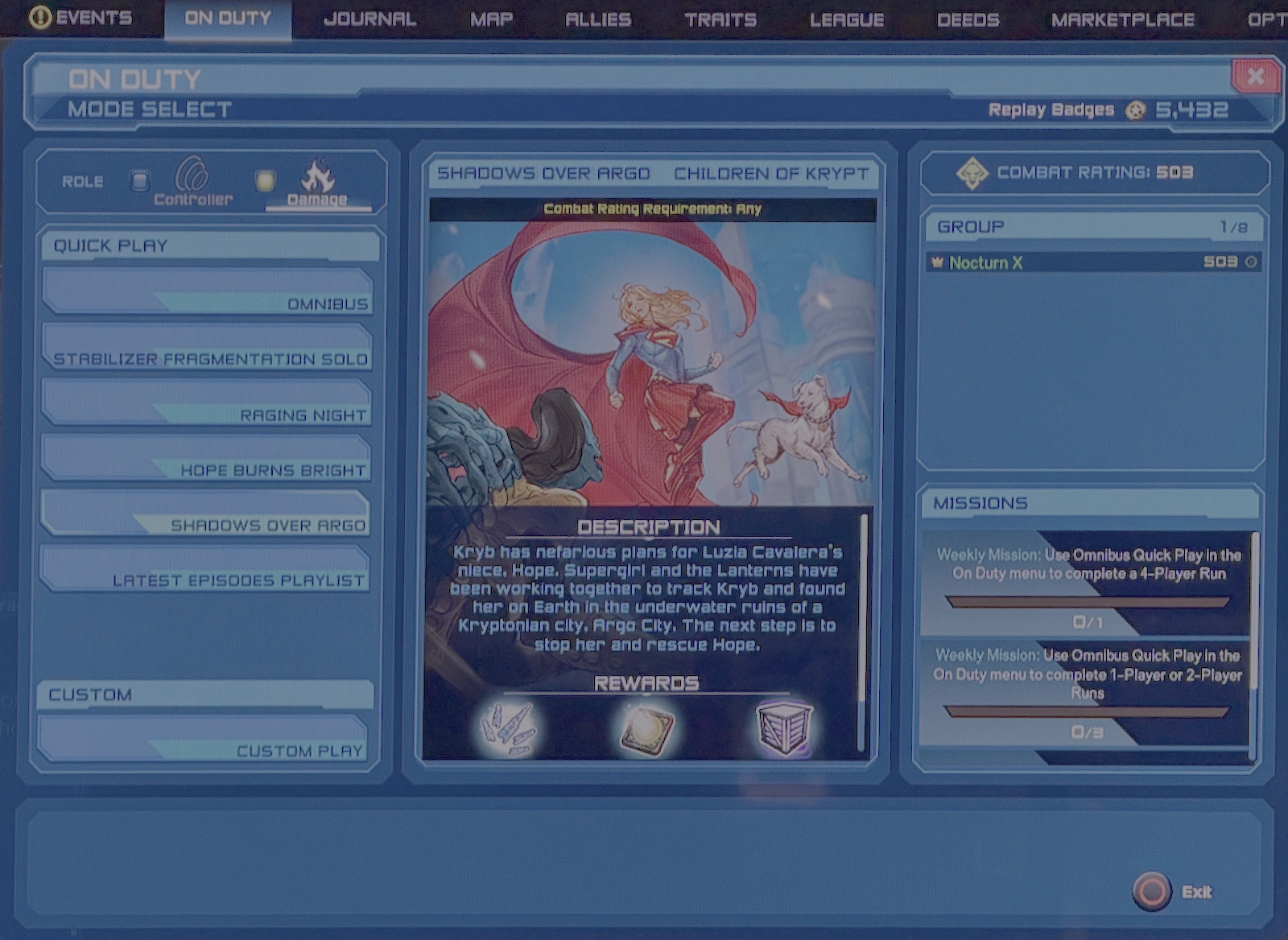
- The On Duty menu, accessible by hitting the Y key by default for PC or via the Menu Interface on consoles, allows players to queue for various instances, arranged by Tier.
- There are two main options:
- Quick Play - which includes the 3 most recent Story Arcs, Omnibus, and Stabilizer Fragmentation Solo; Legends PvE instances are also found here when featured during events
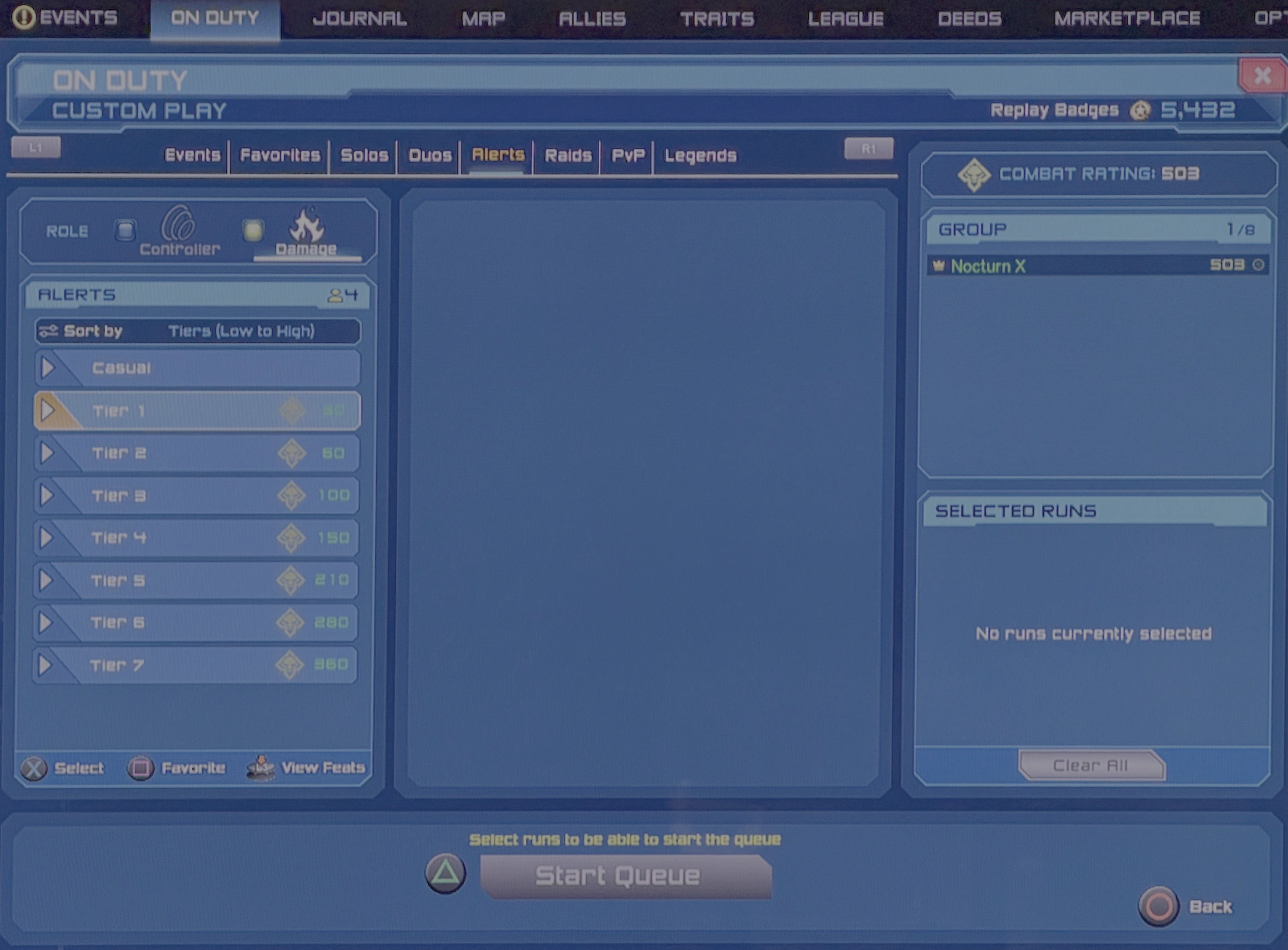
- Custom Play - which allows players to choose any instance on their own, including Player versus Player and Legends PvP instances, using a manual selection interface.
- Casual difficulty mode instances are grouped and displayed at the top of the Tier list in Custom Play where available. Difficulty can also be selected from a specific instance selected from the Quick Play choices.
- For Alerts and Raids the player is prompted to choose a role to fill in the group before queuing.
Related article links (14)
Menu Interface · instances · Tier · Story Arcs · Omnibus · Stabilizer Fragmentation · Legends PvE · Player versus Player · Legends PvP · Casual · Difficulty · Alerts · Raids · roleCustom Play
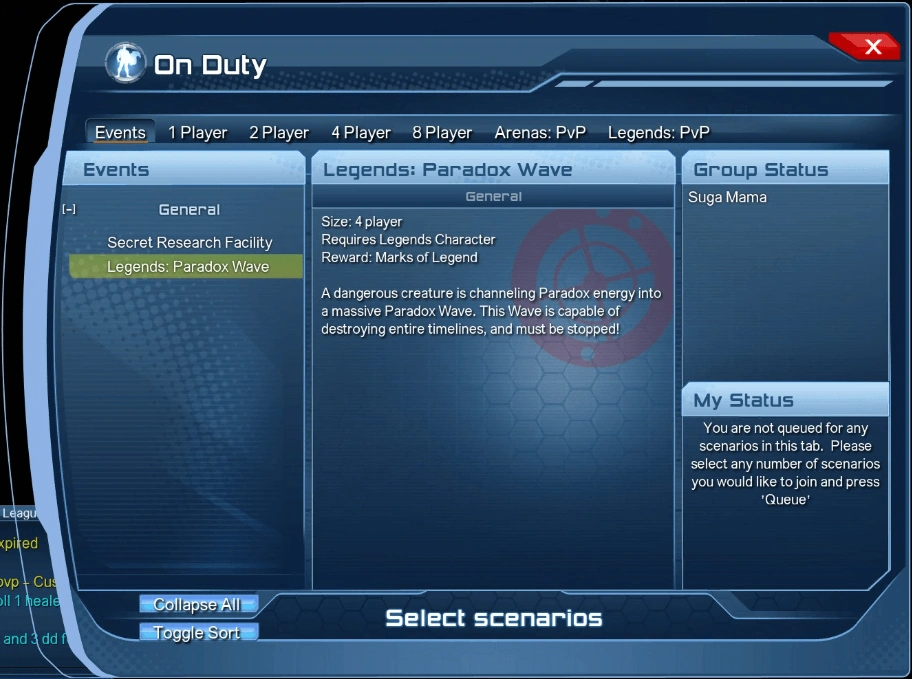
- Custom Play organizes instances into the following tabs:
- Events - includes currently featured Legends PvE instances
- Favorites - instances the player designates in the menus
- Solos (1 player)
- Duos (2 player)
- Alerts (4 player)
- Raids (8 player)
- Arenas PVP (1, 2, 4 or 8 player)
- Legends PVP (1, 2, 4 or 8 player)
- Heads Up!
- All Operations can be found under the appropriate player count tab.
- For example: a 4-player Operation will be found on the Alerts tab.

Related article links (10)
Events · Legends PvE · Solos · Duos · Alerts · Raids · Arenas · PVP · Legends PVP · OperationsLoot lock
- For the 3 most recent episodes, whenever a boss is defeated in their instances and Loot is obtained, that boss becomes loot locked (for 7 days for 8-player content, for 1 day in other cases). This is displayed in the On Duty menu by red icon and text on the instance in question. While loot locked, that boss does not drop loot when defeated again (including Source Marks and Loot Items), although players can still play the content. This applies to Challenges, Duos, Alerts and Raids.
- Loot locks are shared between the Casual, Normal, and Elite versions of the same content.
- For all other On Duty content, loot locks do not apply and players can always gain loot from them.


Trivia
- Many Tier 1 and 2 instances in the On Duty menu are early non-episode story arc instances that can be accessed through the open world (Challenges and Duos are mostly harder versions of instances, Raids could mostly be accessed through Watchtower/ Hall of Doom, although Alerts are usually On Duty only). Most Tier 3 or above instances are exclusive to the On Duty menu.
- When selecting a role for alerts and raids, all powers in each non-damage role are listed according to their date of release, with the exception of Celestial and Water, which have their positions swapped.
- The Elapsed Time in the On Duty menu does not count hours; if your Elapsed Time exceeds 60 minutes, it would still only be counted in minutes and seconds, e.g. 104:37.
- The loot lock time remaining displayed on the On Duty menu does not count down while the On Duty menu is opened. Players must navigate away from it and back to see the true time remaining.
Gallery


See also
- Suicide Squad (cross-faction play)